Entrancio
See It On Your Home
Free AI visualizer · about 60 seconds
See your new garage door on your home.
Upload one photo of your garage, pick any Entrancio door, and watch it appear on your actual house — before you spend a dollar.
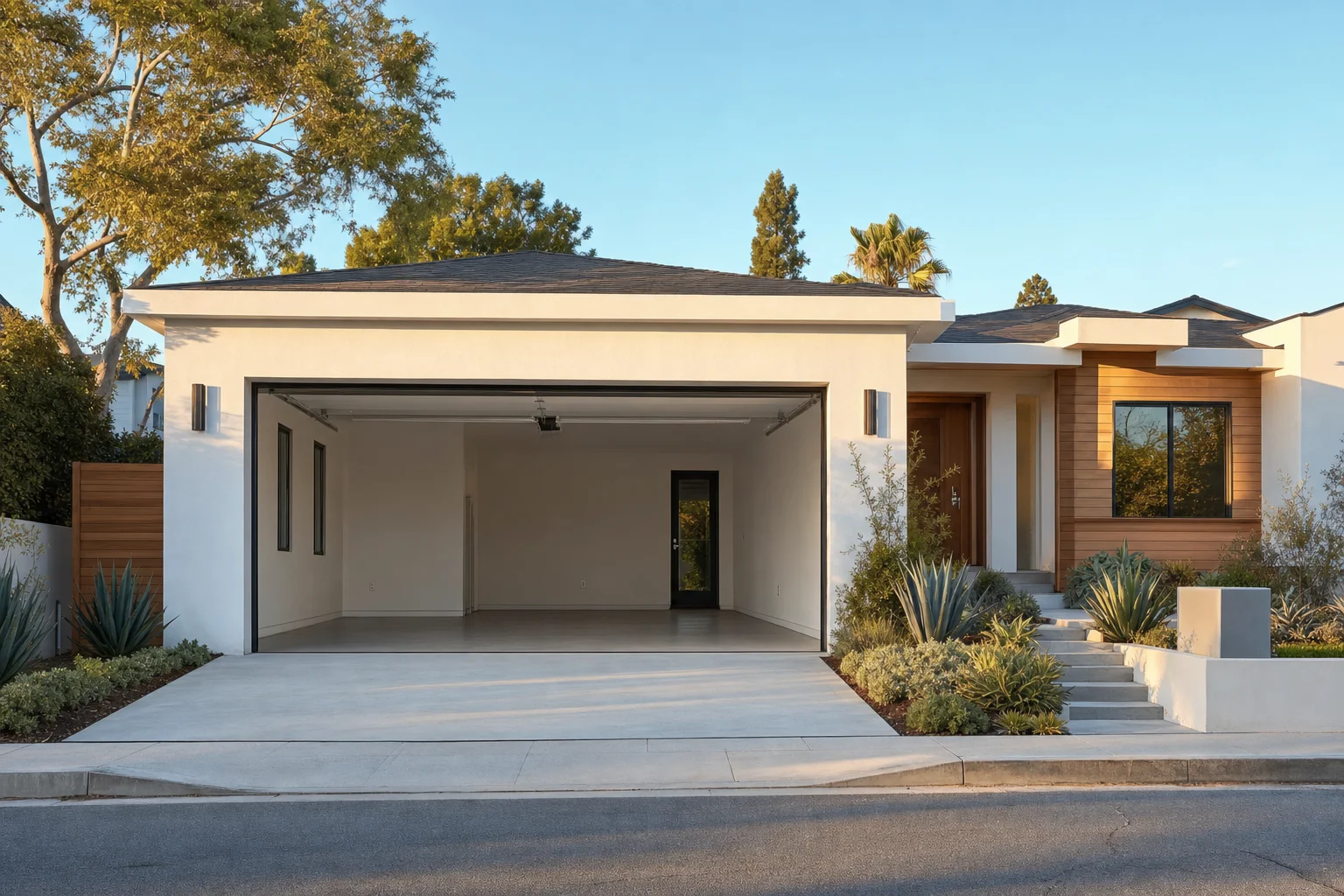
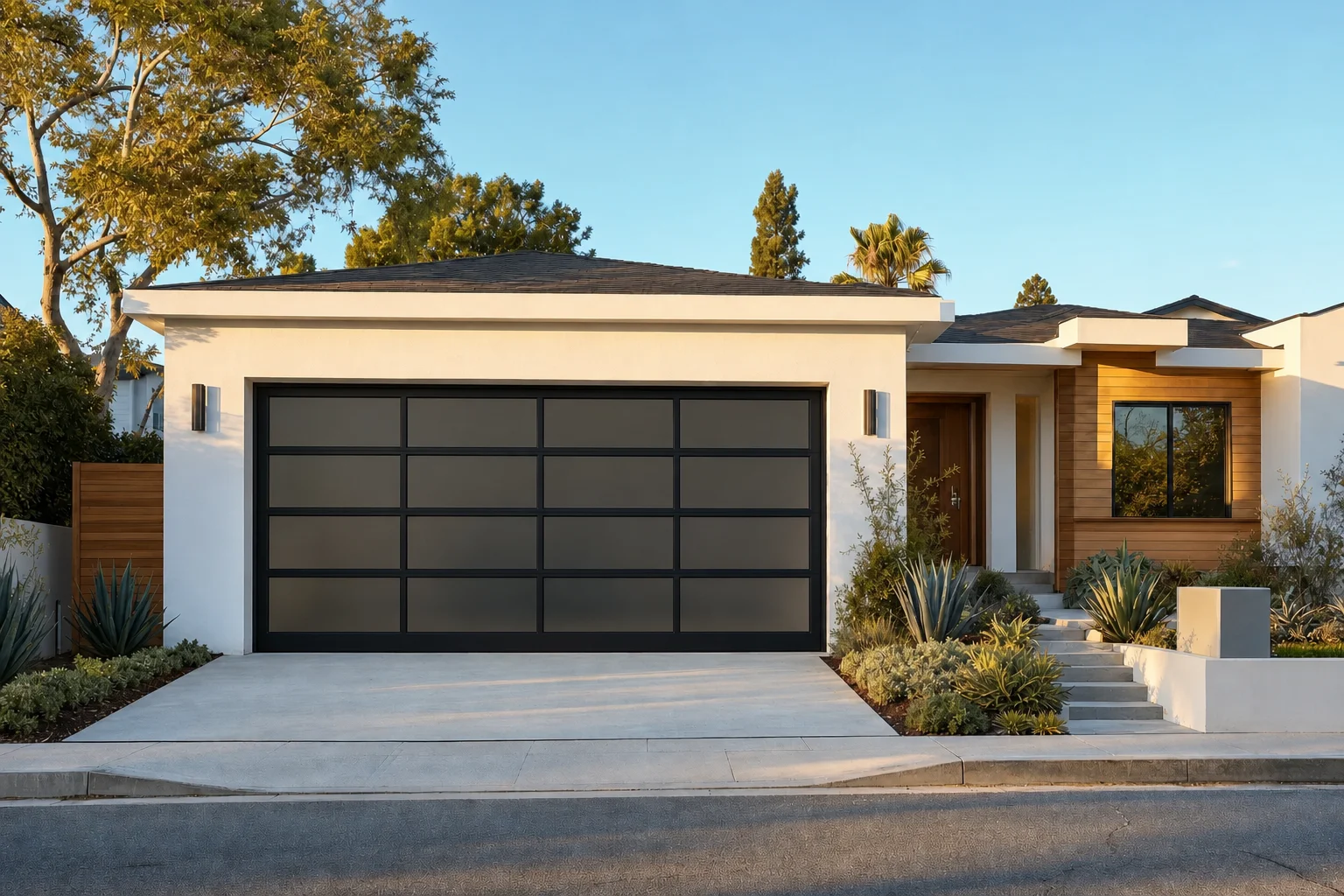
Free · No obligation · Licensed & Insured · OC, LA + North San Diego Counties
No photo handy? Try a sample home
Drag the handle to compare. Your rendering appears here, on your own photo.
How it works
01
Upload one photo
A straight-on shot of your garage from your phone is all it takes.
02
Pick any Entrancio door
Swipe through every design and finish — modern, glass, carriage and classic.
03
See it on your home
The door is fitted into your real opening, lighting and shadows included, in about 60 seconds.
Why homeowners use it
- Licensed & Insured — Orange County, Los Angeles County and northern San Diego County
- Every price includes delivery, professional installation and taxes
- Free in-home design consultation and measurement
- Newport Beach atelier · same-day service across the region
Questions
Is the See It On Your Home visualizer really free?
Yes. The rendering, the estimate and the in-home design consultation are all complimentary, with no obligation to buy. Entrancio is the only garage door company in Southern California offering a free AI visualizer of this kind.
How does the garage door visualizer work?
Upload one straight-on photo of your garage, choose any Entrancio door, color and glass option, and the tool renders that door onto your actual house in about 60 seconds. A before-and-after slider lets you compare, and you can email or download the result or request a free estimate from it.
What happens to my photo?
It is used only to produce your rendering and is seen only by the Entrancio designer who follows up. It is never published, sold or shared with anyone else.
How accurate is the rendering?
Accurate enough to choose a design and finish with confidence. It is an AI approximation, not a construction measurement — final sizing is confirmed by a free on-site measurement before anything is ordered.
Which garage doors can I preview on my home?
Every door Entrancio installs: the Modern Line and Modern View, Full View and Frameless Glass doors, Carriage House and Farmhouse doors, Flush Woodgrain, Elegant Iron, Wood-like Custom Steel and the Series 1 Classic raised-panel family — in every available color, finish and window design.
Can I get a price from my rendering?
Yes. Once your rendering is ready you can request a free estimate directly from it. Entrancio prices are all-inclusive — delivery, professional installation and taxes are included — and standard doors start at $1,500 installed.
Do I need to download an app?
No. The visualizer runs in your phone or desktop browser at entrancio.com/visualizer. There is nothing to install.
Do you serve my area?
Entrancio installs across Orange County, Los Angeles County and northern San Diego County (Carlsbad, Oceanside, San Marcos and Encinitas), with same-day service across the region. Every price includes delivery, professional installation and taxes.
Want to build a door from scratch instead? Open the full configurator.